Your Home Comfort Starts Here
Should You Use Auto Settings on Your Thermostat?
Thermostats are one of the most essential tools in keeping your home comfortable year-round, especially with Aurora’s rapidly changing climate. If you’re wondering whether to use the “Auto” setting on your thermostat, you’re not alone. This is a common question for homeowners who want to balance energy efficiency, comfort, and the performance of their heating and cooling system. Let’s dive into what the Auto setting actually does, its benefits and drawbacks, and how you can make the most of the feature during Aurora’s unpredictable seasons.
What Does the Auto Setting Do?
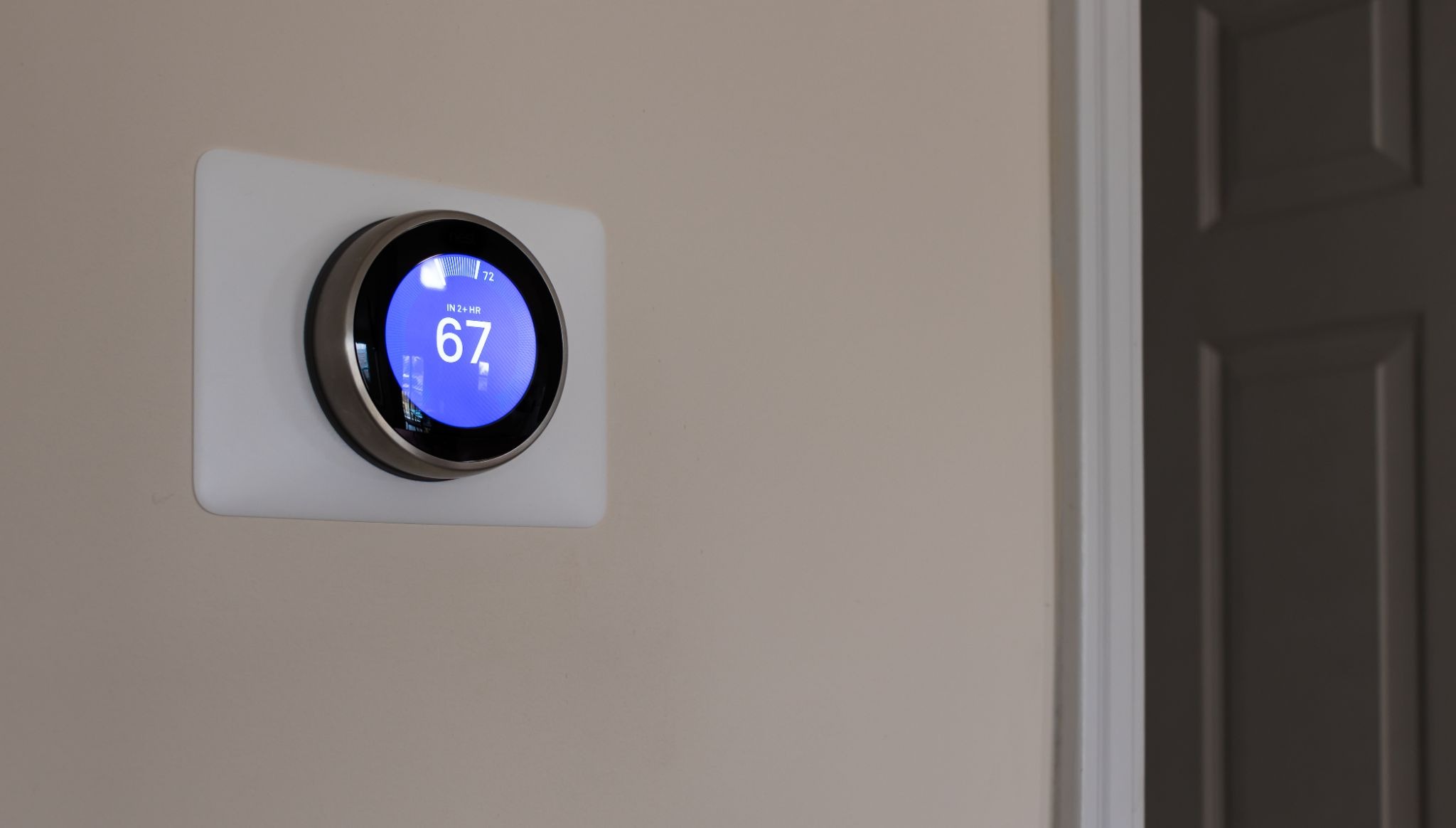
The Auto setting found on almost every modern thermostat controls whether your HVAC fan runs continuously or only when your home requires heating or cooling. When you set your thermostat to Auto, the fan only activates when the furnace or air conditioner is actively conditioning the air. Once your temperature setpoint is reached, the system and fan turn off, waiting for the next cycle. This is different from the “On” setting, where the fan runs non-stop, regardless of whether the system is heating or cooling.
Benefits of Using Auto on Your Thermostat
Selecting the Auto mode offers several important advantages:
-
Energy Savings: Since the fan only runs when necessary, you reduce unnecessary electricity usage. For Aurora homes experiencing cold winters and warm summers, this can lead to significant savings on utility bills.
-
Reduced Wear on Equipment: Allowing the fan to cycle down gives your HVAC system time to rest, possibly extending the lifespan of components like the blower motor.
-
Improved Comfort: The Auto setting helps maintain more even temperatures by preventing constant circulation of air, which can sometimes lead to cold drafts during winter nights or overly dry air in the summer.
Potential Drawbacks and When to Use a Different Setting
While Auto is ideal for many situations, it’s important to recognize scenarios where leaving your fan “On” might make more sense:
-
If anyone in your home suffers from allergies, constantly running the fan can improve air filtration by continuously moving air through your HVAC system’s filter.
-
During mild Aurora springs or autumns, when heating or cooling is rarely needed, setting the fan to “On” can help circulate natural outside air, providing fresh airflow without conditioning it every time.
However, keep in mind that using the “On” setting will lead to higher electricity consumption and possibly more frequent filter replacements, due to increased dust accumulation.
Leveraging Auto Settings for Aurora’s Unique Climate
Living in Aurora means seeing warm afternoons followed by cool evenings, or even a surprise snow in spring. The Auto setting adapts well to local weather by ensuring your home’s temperature stays consistent regardless of unpredictable outdoor conditions. For best results:
-
Program your thermostat to reflect your daily schedule.
-
Use the Auto feature in conjunction with smart thermostats, allowing remote monitoring and adjustment.
-
Schedule regular maintenance to ensure your system runs efficiently in all settings.
Local homeowners have found that using the Auto mode during winter helps maintain warmth without drying out the interior air excessively. In summer, it can help control humidity, balancing comfort and cost.
Contact Lifestyle Heating and Cooling in Aurora, CO for Thermostat and HVAC Solutions
If you’re not sure which settings are best for your home, or want to upgrade to a smart thermostat, Lifestyle Heating and Cooling is here to help. Our team understands the unique challenges of Aurora, CO’s climate, and can help you optimize your thermostat for maximum comfort and efficiency. Call us at (720) 483-9557 or fill out our online form to schedule a consultation with our experienced technicians. Let us help you get the most out of your heating and cooling system with our thermostat installation, HVAC maintenance, and indoor air quality services.